Claude Code, Part 1: How a Non-Coder Built a Custom Website
I had a GoDaddy site with decent blog features and a Canva design I loved. But I couldn't combine them. So I asked Claude Code to build a custom website—and it actually worked.
Get curious. Stay grounded. Keep testing.
Tool: Claude Code Where to find it: claude.ai (requires Claude Pro subscription) What it costs: $20/month as part of Claude Pro
I had a GoDaddy site for my Daily(ish) GenAI Experiments that had decent blog features—tagging, categorization, the basics I needed for organizing experiments. But I didn't love the structure or design.
So I built a version in Canva that I absolutely loved. Clean, modern, dark backgrounds with cream sections, elegant serif typography. The kind of design that actually looked professional. But Canva doesn't have the blog categorization features I needed. No good way to tag posts, filter by topic, or organize experiments the way I wanted.
The catch: I'm not a web developer. I can't write code. I didn't know the difference between Next.js and React. I just knew what I wanted the end result to look like.
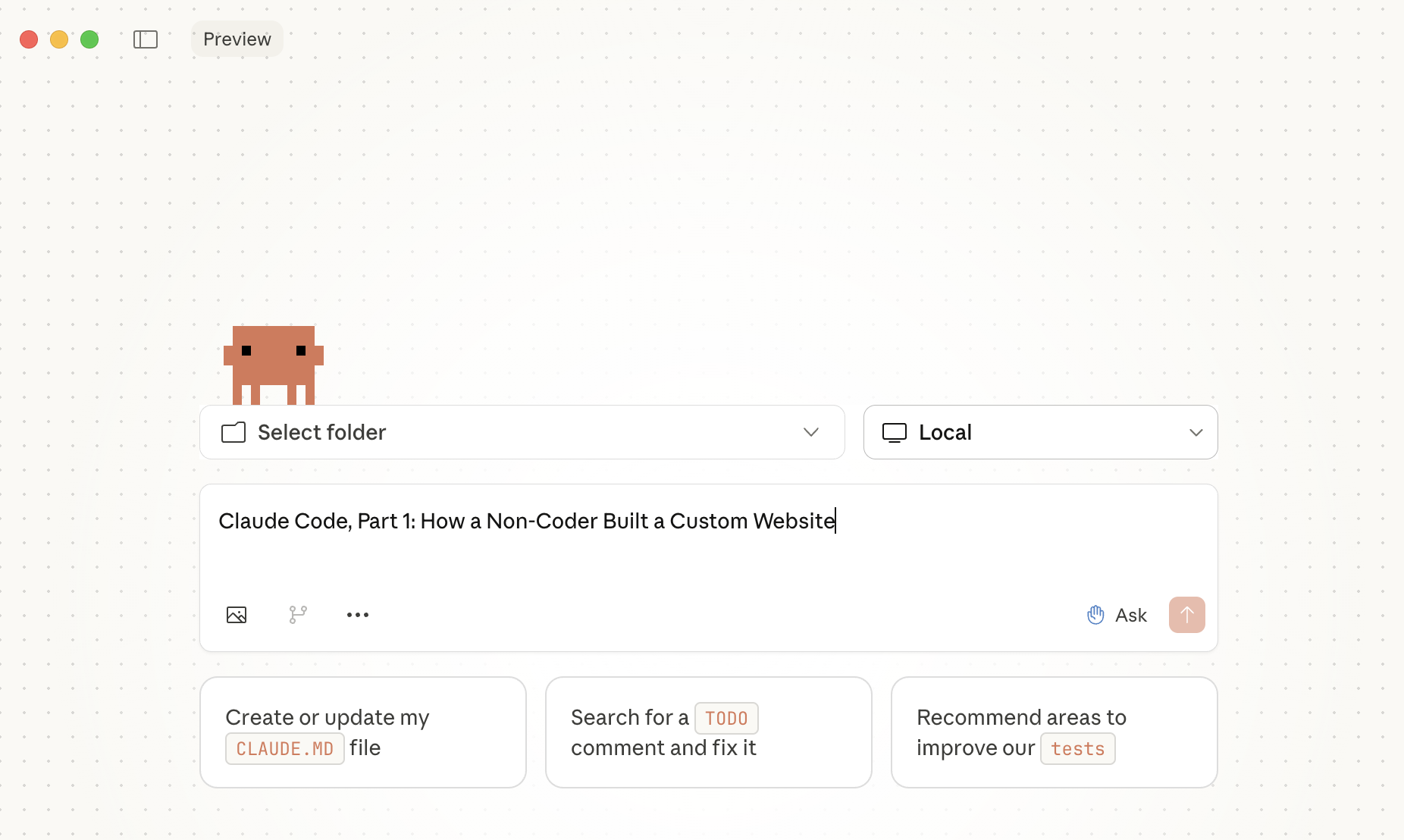
So I uploaded screenshots of my Canva design to Claude Code and asked: "Can you build a site for me?"
What Claude Code Did Right
It asked the right questions first. Before writing any code, Claude asked about my content needs, my technical preferences, and my hosting situation. It was thinking about the whole ecosystem, not just the code.
It recommended the right tech stack for my skill level. Next.js with markdown-based blog posts, Tailwind CSS for styling, Vercel for free hosting with automatic deployments. When I mentioned I wasn't comfortable with command line tools, it pivoted to recommending GitHub Desktop so I could manage everything visually.
It met me where I was. When Node.js wasn't installed, Claude worked around it. When I asked basic questions around unfamiliar terms like "what is a post slug?" it gave clear, non-condescending explanations. If it had said "URL extension for the post" I would have understood...
It built the actual website. Over the course of our conversation, Claude created a complete homepage matching my Canva design, an About page, an Experiments page with category filtering, individual blog post pages, a contact page, a newsletter signup form, and navigation with my robot logo.
The Parking Lot Moments
Some of the most productive work happened in stolen moments.
While my daughter decorated cupcakes at her friend's baking birthday party, I sat in the car and asked Claude to import my blog posts from a Google Sheet.
While waiting for my coffee to brew, I asked it to fix the date formatting that was showing "Invalid Date" on all my posts.
During the Minecraft movie's tenth viewing with the kids, I had Claude add my LinkedIn profile links throughout the site.
None of these required me to understand the underlying code. I just described what I wanted, and Claude made it happen.
What I Learned
The right tool recommendations matter as much as the code. Claude didn't just pick technologies—it picked technologies that matched my comfort level. GitHub Desktop instead of command line git. Vercel's automatic deployments instead of manual server configuration. Markdown files instead of a database.
AI can be a true technical co-pilot. Claude Code wasn't just answering questions—it was actively building something while teaching me just enough to be a competent collaborator.
Non-coders can build real things now. Six months ago, if I wanted this website, I would have needed to learn to code, hire a developer, or settle for a template. Now I have a custom-built site that looks exactly like I wanted.
The Takeaway
Claude Code isn't just a coding assistant. For someone like me—curious about technology but not super technical—it's a way to build things that were previously out of reach.
The website exists because Claude understood both what I wanted to create AND what I was capable of managing on my own. That combination of capability and calibration is what made this work.
Next up in Part 2: What I learned about website infrastructure along the way—naming conventions, file types, and why clean formatting matters more than I expected.